Wednesday, 11 December 2013

Camtasia Studio 8 Complete Tutorials in Urdu & Hindi

Camtasia Studio 8 Complete Tutorials in Urdu & Hindi
    Today, there is one more complete video course for you in Urdu and Hindi language. This course is about Camtasia Studio which is one of the amazing software for screen recording. This software is used by almost every video producer around the world who want to create tutorials or some kind of training videos.I always try to improve the quality of the tutorials as well as the presentation. And this all is possible by Camtasia Studio. Now when I’ve some experience and command over Camtasia, so I thought to create a series of tutorials to teach you some of the essentials of Camtasia Studio.


Creation process

   In the first stage, Camtasia Studio provides you with a dedicated built-in tool to record images from your screen. The Camtasia Recorder features many different options to customize your recording settings: use the whole screen or a user-defined area, add cursor effects, record audio as well, and grab the image source from your webcam, among others.
        The second stage that involves editing begins when your recording is finished. Camtasia Studio offers a varied range of tools to personalize your video. You can draw attention to a certain area with different callouts (including cool animated sketches), add more information with on-screen text captions or make it more eye-catching with transition effects, to name just a few. Both the Clip Bin and the Library in Camtasia Studio will ease the task of choosing media files to use on your video. The audio editor, on the downside, is a bit more limited, with only a few tools to level volume, reduce noise and optimize voice.
      Finally, the production stage is last. Camtasia Studio makes it really easy, even if you've never used video editors before. Simply choose one of the
included presets in the Production Wizard and follow the steps. Camtasia Studio will help you choose the appropriate codec, resolution, size and other details, and will finally render your video. And of course, you can export directly from Camtasia Studio to YouTube and work with HD video as well.


------------------------------------------------------------------------------------------
Camtasia Video Training in Urdu & Hindi:
   Now here is the series of Camtasia video tutorials I recently recorded using the same software, there are total 6 videos in which you’ll completely learn Camtasia studio in Urdu and Hindi language. And I hope you’ll enjoy the course and will give us some great feedback in the comments.
------------------------------------------------------------------------------------------


Monday, 2 December 2013

Ulead Video Studio Complete Tutorials in Urdu & Hindi

Ulead Video Studio Complete Tutorials in Urdu & Hindi
Today, there is one more complete video course for you in Urdu and Hindi language. This course is about Ulead Video Studio 11 which is one of the amazing software for Video Editing. Ulead Video Studio 11 Free download For Windows,Ulead Video Studio 11 can be a total highl ighted video editing application that’s a good deal better for video modifying and also Dvd and blu-ray creation of your own video clips as well as types grabbed coming from VCR’s, DVD’s and also camcorder devices. Frequently I’ve discovered that Tv set seize and also equipment seize gadgets include a software package associated with OEM or free movie editing software program that’s available all over the net. Although this form of free software is wonderful for basic make use of when purchasing any capture system you frequently will be more intent on your own movie enhancing than this particular free software application entails. In the end in case you are having to pay big money for any capture gadget you’ll need a software package to cope with in which taken video clip inside a expert or perhaps partially specialist manner.We have obtained a number of video clip catch and tv sign products in my personal computer that I have examined as well as none experienced any total highlighted video clip editing software that equaled the value of the actual seize device or perhaps greeting card. Corel sent me personally their particular complete featured Video Studio 14 Plus modifying computer software to analyze after I acquired recently reviewed the Plustek ConvertX which also had the particular Ulead Video Studio 8-10 SE software from it.


Ulead Video Studio Complete Tutorials in Urdu & Hindi
Windows Movie maker is also a free version of enhancing software however, this just isn’t exactly feature abundant for such things as capture and foreign trade to many various gadget kinds in addition to a great user friendly interface like Ulead’s Video Studio 11 Plus. Although are both pretty comparable I came across that Ulead’s interface would be a tad simpler to pick up and make use of with out studying most of the assistance guide or perhaps lessons as I often do in order to observe how easy some thing is by using.Ulead VideoStudio 11 Plus is a nice feature and also the hd video features and pushes VideoStudio ahead of the bunch currently having its proxy video clip modifying characteristic. Proxy editing enables you to help make changes towards the normal description copy of a video clip and have the program complete as well as finalize the high classification duplicate in one shot which means you reduce expenses time modifying by working with a lower description copy. As a result sense since you can function faster on the standard classification copy and merely help to make all the new changes you would like rapidly.


-------------------------------------------------------------------------------------------
Ulead Video Studio is a very eazy to use video editing software. One can use it without taking any professional training. You can use it to edit your videos, making videos from photos. You can also include sounds, voice, music, effects, filters, titles and much more into your video projects. Sometimes, you make videos with your camera or record a program, event etc and you need to edit them and to make them looking more professional. So, for that purpose you use any video editing software. and Ulead video editing studio is a very common software which you can use by yourself. So today, I am going to share video tutorials in Urdu language to learn this software freely. I hope you will enjoy it and will give me some good feedback.
It is a complete video editing course of Ulead in Urdu language. You can learn it from starting to end. 10 video tutorials have been made for learning this course. You can also download this course to your computer.
-------------------------------------------------------------------------------------------




Wednesday, 27 November 2013

How to make USB Bootable for Windows 7 and 8 in Urdu & Hindi


How to make USB Bootable for Windows 7 and 8 in Urdu & Hindi

USB Bootable:

A common use of a bootable USB flash drive is to use it for booting into Windows. This can allow you to perform diagnostics on a computer that has hardware issues or can't boot into Windows. You can also use the flash drive to install Windows, instead of using the Windows installation CD.              

            This guide will outline making a bootable USB flash drive with Windows XP, Vista, and 7. Before we begin, it's important to note that the computer you want to use your bootable USB drive in will need to have the capability of booting to a USB drive. Most recent computers built since Windows Vista was released are capable of booting to a USB device. Prior to the Windows Vista timeframe, it's hit or miss with motherboards.

       To make the bootable USB drive for Windows Vista or Windows 7, you need to have Windows Vista or 7 installed on your computer. It is recommended that you have a flash drive of at least 4 GB in size, in order to store all the necessary files.

Note: Before you start, plug in the USB drive and backup any files you have stored on the USB drive. The drive will be formatted during this process and all files on it will be deleted.


"It is very Important to Install Window's From USB because many times We See that many many Peoples ask that their DVD/CD Rom drive is not Working Properly So they Wish to Install Windows by make it Boot able From USB Drive.So I m Sharing With You all this Process in a Video Lecture and I divided this Process in 2 Video Lectures Respectively below So follow the below Video Lecture and if you have any Question then Please just Comment in below Comment box.Share this Website With Your Friends Please"


Wednesday, 20 November 2013

How to Install Windows 8 in Urdu & Hindi Tutorial


How to Install Windows 8 in Urdu & Hindi Tutorial

Windows 8

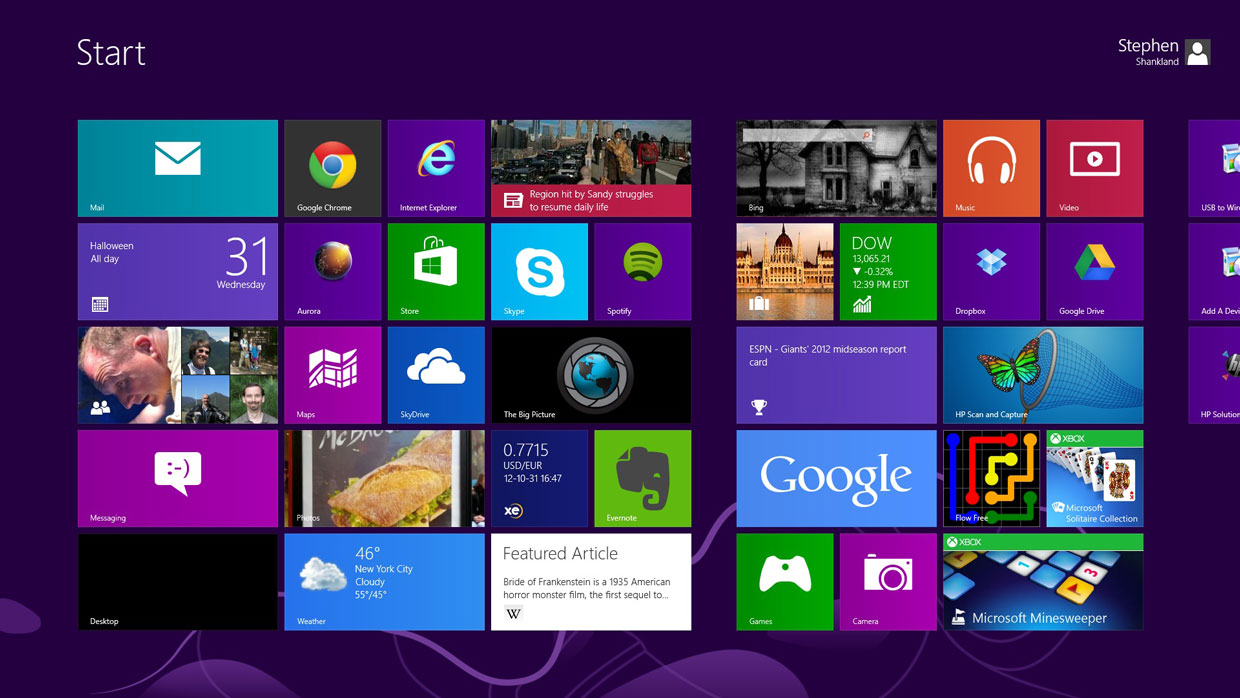
Windows 8 is Microsoft's latest operating system that combines the tablet Modern UI interface with the traditional Windows desktop.


Overview:

With this trial of Windows 8, users have an opportunity to test a slick and solid operating system that promises to revolutionize the way you do everything, from browsing the web to viewing multimedia files.

This is the most ambitious operating system that Microsoft has ever created. By blending both a tablet interface and a traditional desktop interface, Microsoft hopes that Windows 8 can please everyone. But can it? Let's find out.


Modern Interface:
                
As seen in the numerous preview versions, the Windows 8 interface is one of the largest changes to the Windows operating system. Every app you install on the new Modern interface is shown in multiple colored squares on your screen. Each square acts as a shortcut to open the program or the corresponding directory. Each panel is also fully customizable, so you can group apps together.


New features Flash:

The use of Flash in Windows 8 is one of the primary updates. Working together, Microsoft and Adobe have created a situation-specific version of Flash that works with Internet Explorer 10. This ensures Flash will run when you want it do, such as during video play-back, but won't affect your PC's performance or battery life by running when unnecessary. This is especially important for Windows RT users who value battery life and performance on the go.


New apps:

There are also quite a few Windows Store expansions when it comes to apps included natively in the Modern interface. Bing has added apps for travel, sports and news, for example. There are also, of course, existing Modernapps that were released in conjunction with Windows 8. Some of these include Weather, Maps and Finance.


Surfing the web:
                 
Windows 8 ties up a lot of loose ends in terms of stability issues seen in its preview versions. There is also a new feature users can look forward to called Flip ahead, IE which uses crowd-sourcing to determine what web page you're the most likely to click on next during your web browsing. To advance, all you have to do is swipe the screen if you have touch screen capabilities or click the forward arrow onscreen to get to the next page. This feature works while searching Bing, of course, but is also compatible with other search engines, so long as you're using Internet 


Windows 8: system requirements:

  • Processor  1GHz or faster
  • RAM  1GB (32bit) or 2GB (64bit)
  • Hard disk space  16GB (32bit) or 20GB (64bit)
  • Graphics card  Microsoft DirectX 9 graphics device or higher


☺ Video Tutorial ☺


Monday, 18 November 2013

How to Check Complete Information about Your PC

How to Check Complete Information about Your PC

Check Computer Information:


Sometimes you need to get specific information about your Windows computer. For example, when you have problems with your PC and are talking to a technical support person. Quite often tech support ask you question like how much RAM you have, what’s the size of your hard drive, which graphic card have you got, etc. It’s really great if you can answer all these questions straight away. But what if you can’t? The answer is easy – all you need to do is open the Windows built-in System Information tool.
     If all you need is basic PC system information, like computer name, version of your OS, the amount of memory your PC has, then all you need to see is System Summary. However, if you are really computer-savvy and want to find some specific system information, like IRQs, you can expand Hardware Resources and click on the IRQs category.

System Information The System Information utility is easy to find:


Commercial Printing in Urdu & Hindi Tutorials

Commercial Printing in Urdu & Hindi Tutorials

Commercial Printing  For  Graphic Designers:

 Lithography was initially created to be an inexpensive method of reproducing artwork. This printing process was limited to use on flat, porous surfaces because the printing plates were produced from limestone. In fact, the word 'lithograph' historically means "An image from stone." or "Print from stone." Tin cans were popular packaging materials in the 19th century, but transfer technologies were required before the lithographic process could be used to print on the tin. The first rotary offset lithographic printing press was created in England and patented in 1875 by Robert Barclay. This development combined mid-19th century transfer printing technologies and Richard March Hoe’s 1843 rotary printing press—a press that used a metal cylinder instead of a flat stone. The offset cylinder was covered with specially treated cardboard that transferred the printed image from the stone to the surface of the metal. Later, the cardboard covering of the offset cylinder was changed to rubber, which is still the most commonly used material.
As the 19th century closed and photography became popular, many lithographic firms went out of business. Photoengraving, a process that used halftone technology instead of illustration, became the primary aesthetic of the era. Many printers, including Ira Washington Rubel of New Jersey, were using the low-cost lithograph process to produce copies of photographs and books. Rubel discovered in 1901—by forgetting to load a sheet—that when printing from the rubber roller, instead of the metal, the printed page was clearer and sharper. After further refinement, the Potter Press printing Company in New York produced a press in 1903. By 1907 the Rubel offset press was in use in San Francisco.
        The Harris Automatic Press Company also created a similar press around the same time. Charles and Albert Harris modeled their press “on a rotary letter press machine.


Friday, 1 November 2013

Adobe Photoshop Cs6 Full Tutorials in Urdu & Hindi

Adobe Photoshop Cs6 Full Tutorials in Urdu & Hindi


What is Photoshop CS6?

                Photoshop CS6 brings many new useful options and features and is receiving positive feedback from Photoshop users ( designers, beginners and professional photographers). It has many features, tools and functions that are as same like Photoshop CS5. It has many new features and has improved existing features including: vector layers, Wide Angle filter, Patch tool, Move tool and so on. In Photoshop CS6 the best improvements are Vector Tool-set and 3D tools. You’ll see high performance of this Photoshop version, it is the most efficient and useful Photoshop ever. Although it is efficient and offers many new exciting features, but it does require great skills before using this. You can develop and improve your skills by following some useful and important tutorials. Here, we round up the very best tutorials, you can follow these step by step tutorials that not only offer you to develop your skills but will also save your time and energy. These are the most recent Photoshop tutorials aimed at CS6 users. You should skim this collection and try out these tutorials that will catch your eye.


Video Tutorial # 1


Video Tutorial # 2


Video Tutorial # 3


Video Tutorial # 4


Video Tutorial # 5


Video Tutorial # 6


Video Tutorial # 7


Video Tutorial # 8


Video Tutorial # 9


Video Tutorial # 10


Video Tutorial # 11


Video Tutorial # 12


Video Tutorial # 13


Video Tutorial # 14


Video Tutorial # 15