TechVsCodex

Wednesday, 2 July 2014

How to Create Icons


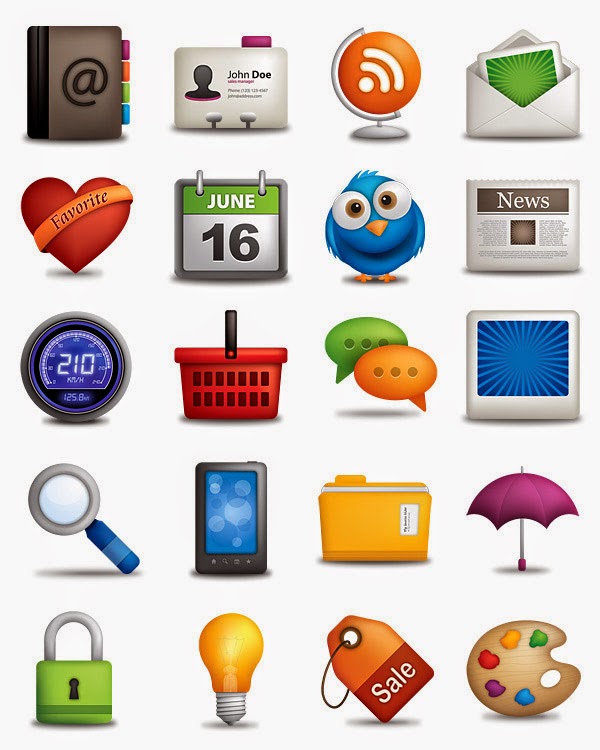
Do You Want to Spruce up Your Desktop? Custom Icons Can Go a Long Way Towards Making Your Computer Feel Like "Yours". With The Help of Free Image Editing Software Like GIMP, You Can Quickly Turn Any Images You Want Into a Beautiful, Scalable Icon That You Can Use anywhere. Follow This Pictures.


Posted by Procypher at 22:41
Email ThisBlogThis!Share to XShare to FacebookShare to Pinterest
Labels: Tips and Tricks

No comments:

Post a Comment

Newer Post Older Post Home
View mobile version
Subscribe to: Post Comments (Atom)

Blog Archive

  • ►  2016 (221)
    • ►  April (9)
    • ►  March (63)
    • ►  February (48)
    • ►  January (101)
  • ►  2015 (160)
    • ►  December (62)
    • ►  November (88)
    • ►  March (3)
    • ►  February (4)
    • ►  January (3)
  • ▼  2014 (56)
    • ►  December (5)
    • ►  November (9)
    • ►  October (3)
    • ►  September (4)
    • ►  August (1)
    • ▼  July (7)
      • How To Change Transparency on Your Windows
      • How To Make Unlimited Folder Using Notepad
      • How to Write Urdu in Adobe Photoshop CS6
      • How To Publish Empty Status And Comments on Facebook
      • How do I allow ratings and reviews on my Page?
      • How to Create Icons
      • 50 Stylish Themes for Windows XP
    • ►  June (4)
    • ►  April (4)
    • ►  March (5)
    • ►  February (1)
    • ►  January (13)
  • ►  2013 (32)
    • ►  December (5)
    • ►  November (5)
    • ►  October (7)
    • ►  September (3)
    • ►  August (2)
    • ►  April (3)
    • ►  March (7)
Simple theme. Powered by Blogger.